
Remote work is gaining popularity across the globe (just check out our remote work map for the full scoop). And if remote work is a whole new ballgame for your business, you may be wondering what you need to do differently to pay your workers who telecommute. Read on to learn what aspects you need to keep in mind when paying remote employees.
Quick answer: How to pay remote employees (checklist)
- Confirm worker classification (employee vs. contractor) and onboard with I-9, W-4, and applicable state forms.
- Register in each state where employees live/work for income tax withholding, unemployment, and any required local taxes.
- Set up compliant pay methods (e.g., direct deposit, pay card) and provide an employee self-service portal.
- Withhold and remit federal, state, and local taxes; apply reciprocity or special state rules where relevant.
- Deliver pay stubs (and year-end forms) in the format your state requires; keep records for at least three years.
- Track time accurately across time zones; follow state overtime, meal/rest, and pay frequency rules.
- Reimburse approved remote-work expenses per policy; secure payroll data with multi-factor authentication and encryption.
- Consider payroll software or a full-service provider to automate taxes, multi-state compliance, and filings.
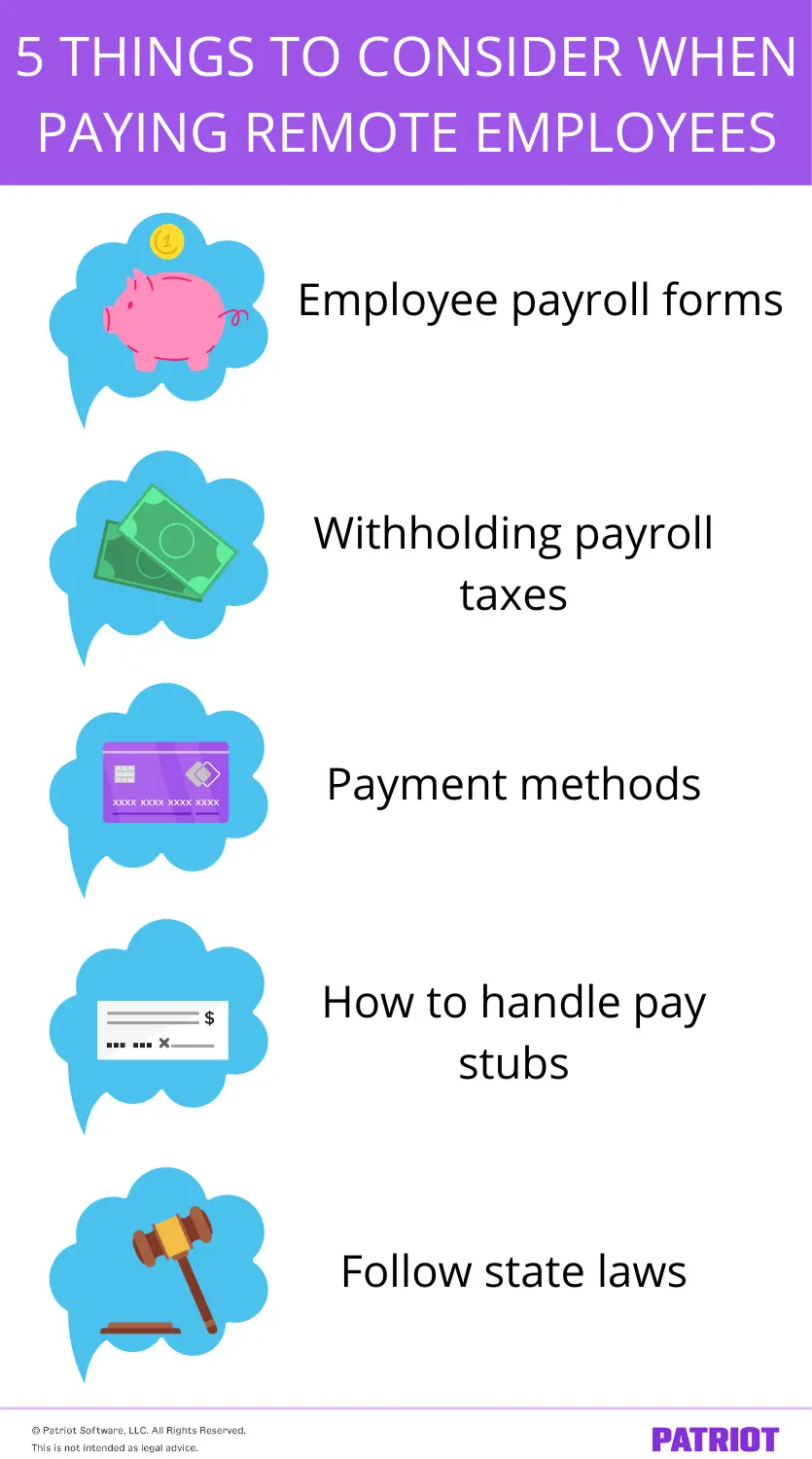
Paying remote employees: 5 things to think about
Whether you’re thinking about taking your team fully remote or are experimenting with hiring remote workers, consider a few things when it comes to paying remote employees. Check out our handy dandy list below to find out what you need to consider when paying remote workers.
1. Employee payroll forms
As an employer, it’s your responsibility to have certain documents in your records for each employee. Remote employees are no exception to this.
Keep the following forms on file for all of your employees (remote or not):
- Form I-9: Confirms your employees are legally allowed to work in the U.S.
- Form W-4: Determines employees’ federal income tax withholding.
- State W-4 form, if applicable: Determines state income tax withholding for employees.
You may also require your employees to fill out company-specific forms, such as employee handbook acknowledgment or direct deposit forms.
If your team is just going temporarily or permanently remote, you should already have these employee documents. Double-check your records to ensure you have the applicable documents on file for each employee. Keep in mind that you must keep all payroll records for at least three years.
If you’re hiring remote workers, have newly hired employees fill out each applicable employee form during their onboarding process.
Consider utilizing an employee portal so remote employees can electronically (and securely) fill out their forms. If you don’t have a portal option, have the remote employee send you a copy of their forms in a password-protected document.
2. Withholding the proper payroll taxes
Every time you pay an employee, you need to withhold payroll taxes. Taxes you typically need to withhold from employee wages include:
- Federal income tax
- Social Security tax
- Medicare tax
Depending on the state, you may also need to withhold state and local income taxes from employee wages.
If you hire an employee who lives and works from home in another state, do your research to find out what taxes you must withhold for that specific state. Additionally, you may need to register with the remote employee’s home state to withhold and deposit payroll taxes to the correct agencies (e.g., state, local, and unemployment agencies). If you have multiple remote workers in a number of states, register with the tax agency in every state.
The city or state your business is located in may also have a tax reciprocity agreement with the employee’s home city or state. If you hire an employee who lives in one state but works in another, check to see if there are any state reciprocity agreements.
If you plan on having your current employees temporarily or permanently work from home and they all live and work in the same state as your business, continue withholding the correct payroll taxes for your state.
In many cases, you’ll withhold based on the employee’s work location and, in some states, their residence. If these differ, verify which state has priority, whether reciprocity applies, and whether special rules (e.g., “convenience of the employer” in certain states) change anything.
Confirm local taxes (city, county, school district) where the employee resides or works and register as needed. These can be separate from state income taxes.
Establish state unemployment insurance (SUI) in the employee’s state when required, and review nexus rules that can trigger obligations even if you don’t have a physical office there.
3. Payment methods
When it comes to paying remote employees, you have a few options to consider. You can pay remote workers via:
- Direct deposit
- Pay card
- Mobile wallet
- Check
- Cash
Out of the above, direct deposit is the most popular method. If your remote employees prefer an alternative to direct deposit, pay cards or mobile wallets are also good options. Of course, you can always go with the good, old-fashioned paper check. You can either mail remote employees their checks (if they live out of state). Or, you can give remote employees the option of picking up their checks on a specific date (e.g., every other Friday).
Before you decide on a method, do your research on pay laws (e.g., pay card laws by state) to ensure you’re compliant with the state’s rules. And, think about which payment method would be the most secure. For example, if your employee lives and works out of state, cash probably isn’t the best option if you need to mail the employee their pay.
If your team is simply moving from an office environment to working from home, don’t worry about changing payment methods unless you find it necessary to make adjustments (e.g., switch from paying cash to direct deposit).
| Download our FREE guide, Compare Different Methods of Paying Employees, to learn more about various payment options for employees! |
Free direct deposit with Patriot Software
Patriot’s online payroll supports direct deposit and printable checks. Plus, your employees can access pay stubs and tax forms from their employee self-service portal.
4. How to handle pay stubs
Part of your responsibility of paying employees is distributing pay stubs. For those of you who don’t know, a pay stub is the part of a paycheck that lists details about the employee’s pay (e.g., gross wages, deductions, net pay, etc.).
Before your workers go remote or you hire remote employees, narrow down how you plan on handling pay stubs. You can:
- Mail stubs to employees
- Send them electronically (e.g., via email)
- Let employees access electronic pay stubs through an online portal
Also, brush up on your pay stubs requirements by state to ensure you’re compliant with federal and state laws. Some states may require employers to provide employees their pay stubs in a specific format (e.g., written or printed pay stubs).
Tip: If you deliver pay stubs or Form W-2 electronically, obtain employee consent where required and confirm your state’s e-delivery rules. An employee portal makes it easy for remote staff to access pay history, tax forms, PTO, and benefits information.
| Want more information about pay stubs? Check out our FREE guide, Understand Your Pay Stub Responsibilities. |
5. Follow state laws
Just like any other employee, make sure you are following pay and employment laws for remote employees, especially if they live/work out of state.
Laws you need to keep on your radar may pertain to:
- Minimum wage laws
- Mandatory direct deposit
- Pay frequency
- Local income taxes
- Workers comp requirements
- State-specific taxes
Check with the state to find out what laws you need to follow as an employer. To make following various state’s laws easier, consider investing in payroll software to take care of the calculations for you.
Remember that non-wage rules also vary by state (e.g., meal and rest breaks, final pay deadlines, and expense reimbursement obligations), so update your handbook and timekeeping practices for each state where you employ remote workers.
Additional remote payroll essentials
Review the following when you have remote employees.
1. Classify remote workers’ correctly
Verify whether each remote worker is an employee or an independent contractor. Misclassification can lead to back taxes, penalties, and wage claims. When in doubt, consult a small business lawyer.
Use consistent, documented criteria (behavioral and financial control, relationship of the parties) and align job postings and agreements accordingly.
2. Track hours and time zones
Implement reliable time tracking with geolocation as needed, and define the “official” work location/time zone.
Apply state-specific overtime rules and any rest-period requirements where the employee works.
3. Reimbursements and stipends
Set a clear policy for reimbursable remote-work expenses (e.g., internet, phone, office supplies) and automate reimbursements through payroll.
Some states require reimbursement for necessary business expenses. Review your obligations and cap or pre-approve amounts where appropriate.
4. Data security for payroll
Protect payroll data with multi-factor authentication, role-based access, encryption, and regular password and policy reviews.
Limit who can view SSNs and bank details, and ensure secure file transfer for any documents shared with remote employees.
5. Run periodic audits
Confirm state and local registrations, tax rates, state Unemployment accounts, and employee addresses each quarter. Reconcile payroll tax deposits to returns. Spot-check exempt vs. nonexempt classifications, overtime calculations, and pay frequency compliance.
Frequently asked questions
Generally, withhold where the employee works. If they live in a different state, check for reciprocity agreements and any special sourcing rules (e.g., “convenience of the employer”). You may also need to withhold local taxes based on residence or work location.
Yes. In most cases, you must register for state income tax withholding, unemployment insurance, and applicable local taxes in each state where an employee works, and file and pay to those agencies.
Only hire workers as contractors if they truly meet contractor criteria. They are likely W-2 employees if you control when, where, and how they work, supply tools, etc. Misclassification can trigger penalties and back taxes.
Direct deposit is the most common. Choose options allowed in the employee’s state, and provide an employee portal for pay stubs and tax forms.
Publish a reimbursement policy that defines eligible expenses, approval steps, and submission deadlines. Some states require reimbursement for necessary business expenses. Ensure compliance and process payments quickly.
Define the employee’s primary work time zone in your policy, use accurate time tracking, and apply the overtime rules of the state where the employee works.
Many states allow e-delivery with employee access and, in some cases, prior consent. Verify your state’s requirements and ensure employees can easily view and print stubs.
Look for multi-state tax support, automated tax calculations and filings, free direct deposit, time-tracking integrations, employee self-service, reimbursements, and strong security (multi-factor authentication, encryption).
Looking for an easy-to-use and affordable payroll system? Patriot’s online payroll lets you run payroll in three steps. Opt for our Full Service payroll services, and we will take care of withholding and depositing taxes for you. Get your free trial now!
This article has been updated from its original publication date of August 31, 2020.
This is not intended as legal advice; for more information, please click here.