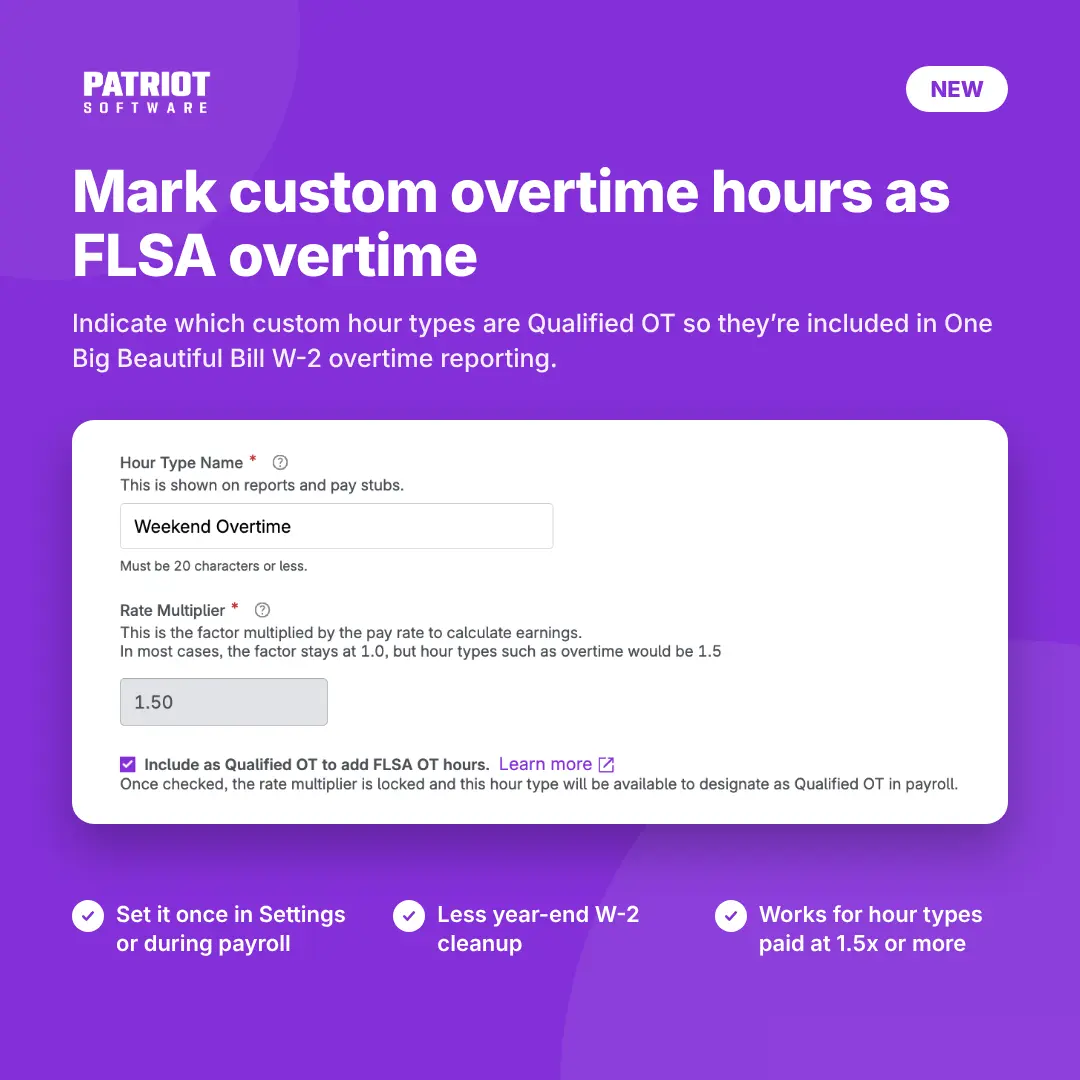
If you pay overtime with a custom hour type to use for overtime pay you can now tell Patriot to count it as Fair Labor Standards Act (FLSA) overtime. Those hours will then be included in the new One Big Beautiful Bill overtime reporting on your employees’ 2026 Form W-2s, with no year-end cleanup.
What you can do now
- Mark any custom hour type with a rate multiplier of 1.5x or higher as Qualified OT.
- Set it up once in Settings, or answer a quick prompt the next time you run payroll.
- Use the “Set all” buttons to answer for every eligible hour type at once.
- Choose “Not used as FLSA OT” for hour types that pay overtime only because of state rules or company policy, so those hours stay off Box 12, code TT.
Once you answer for an hour type, Patriot won’t ask about it again. Your answer in Settings or in payroll updates the other automatically. To protect wages you’ve already reported, the rate multiplier locks once an hour type is marked Qualified OT.
Who has access
The Qualified OT setting is available in Basic Payroll and Full Service Payroll.
How to get started
Go to Settings > Payroll Settings > Hours & Money Types, open your custom overtime hour type, and check Include as Qualified OT to add FLSA OT hours. Or just run payroll, and Patriot will ask you after Step 1. The software will prompt you if you have a custom hour type that is over the 1.5 hourly rate. For step-by-step instructions, see How to Indicate FLSA Overtime for W-2 Reporting in Payroll.