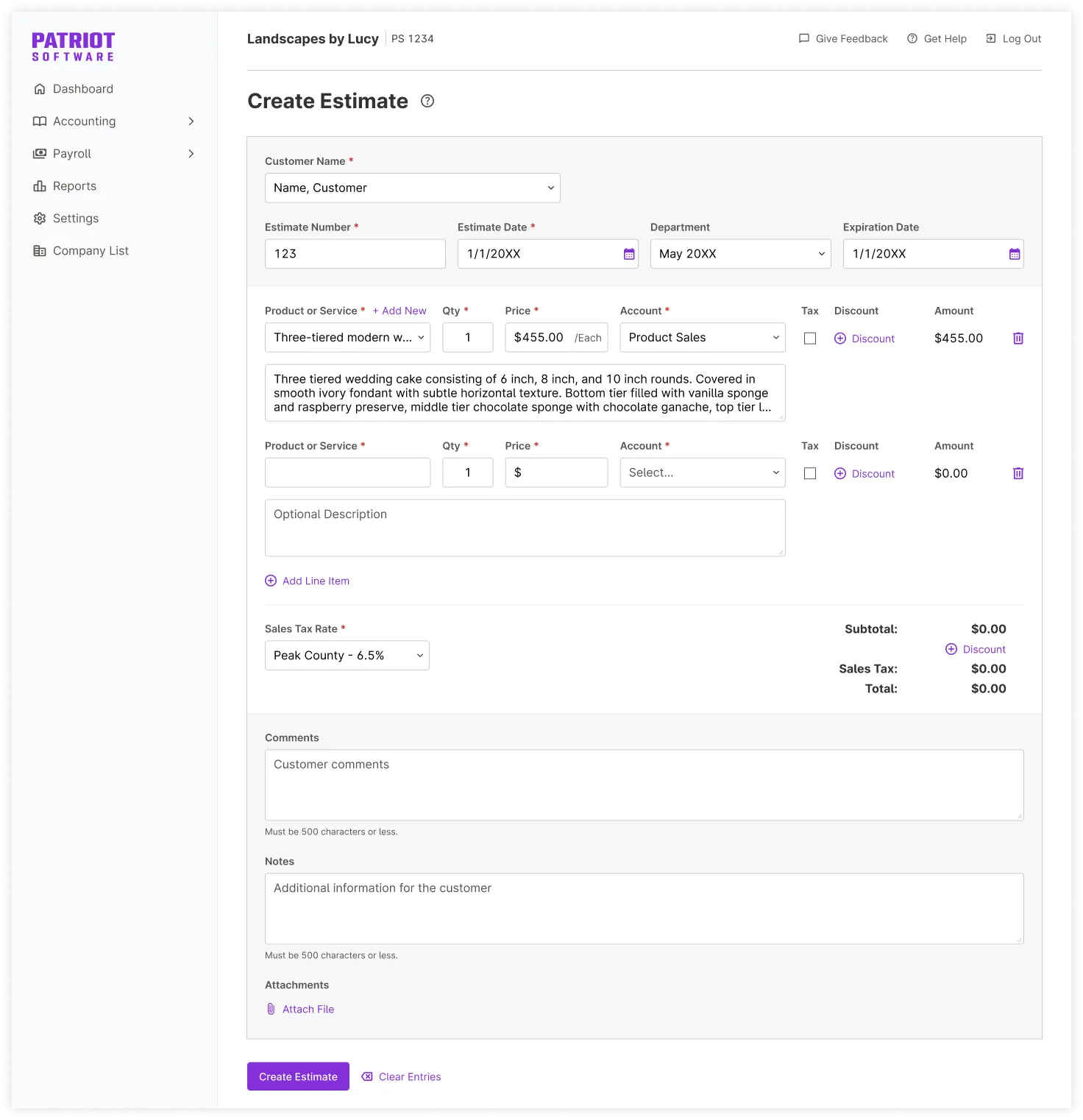
Your estimate should help you win the work, not create more work. That’s why estimates in Patriot Accounting just got a major upgrade.
You can now add departments, discounts, attachments, and duplicate estimates with one click. Then, convert accepted estimates into invoices without entering everything again. Here’s what’s new.
Keep estimates organized by department
Assign a department to an estimate, and it will automatically carry over when you convert the estimate into an invoice. The field is optional and only appears if your company uses departments.
Give discounts without the workarounds
Add a dollar or percentage discount to an individual line item, or apply one discount to the entire estimate. Your discounts appear on the estimate and carry over to the invoice, so you can retire the calculator tricks and manually adjusted prices.
Attach the details that help close the deal
Add quotes, specifications, contracts, and other supporting files directly to an estimate. Upload a new file or choose one you’ve already saved in Patriot, then download or remove it anytime from the estimate details.
Duplicate estimates in one click
Similar project? Similar customer request? Skip the copy-and-paste marathon.
Duplicate any estimate, update what changed, and save it with a new estimate number. Customer details, departments, line items, discounts, comments, notes, and attachments are all copied over. You can duplicate an estimate in any status, including rejected or invoiced estimates.
Turn “accepted” into “invoiced” without starting over
When a customer gives you the green light, convert the accepted estimate into an invoice without re-entering the details. Patriot carries over the department, discounts, comments, notes, attachments, and other estimate information automatically.
After conversion, the estimate is marked Invoiced, with a direct link to the new invoice. Fewer clicks, fewer chances for mistakes, and no typing the same information twice.