Managing Employee Emergency Contacts in Patriot HR
In this article:
Background
Patriot HR customers can track your employees’ Emergency Contact names and phone numbers.
How to Add an Emergency Contact
- Go to Payroll > Employees > Employee List > {Employee Name} > Employee Profile
- Click the Emergency Contacts link on the side navigation
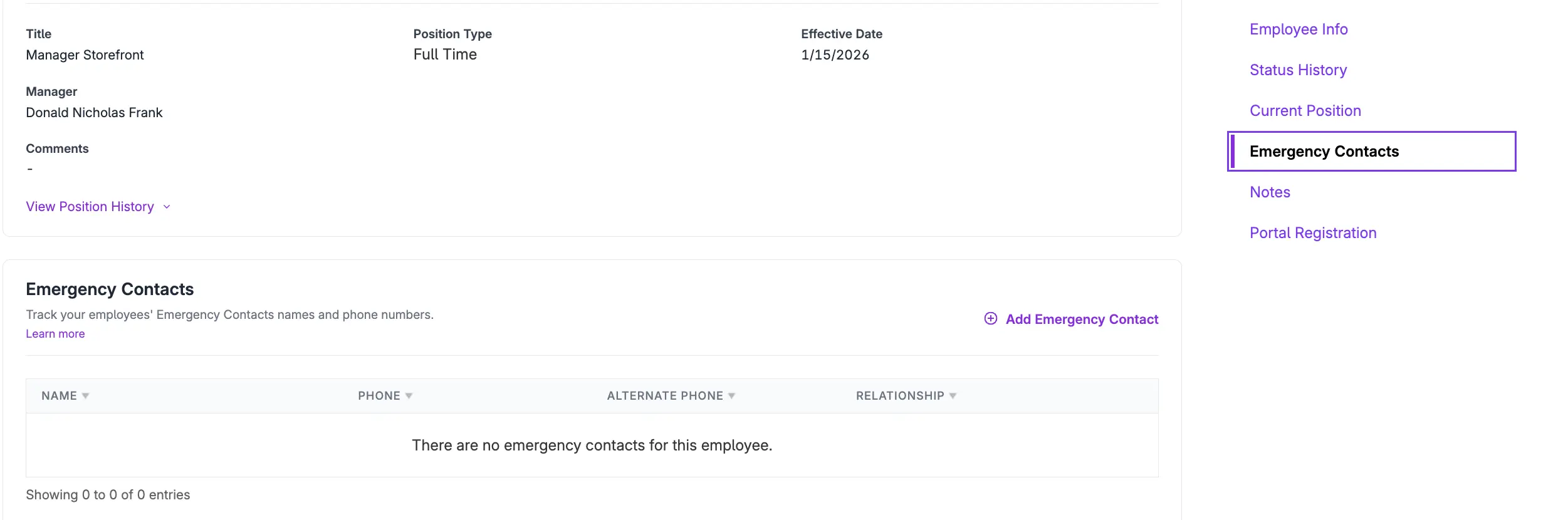
- Click +Add Emergency Contact.
- Enter the First and Last Name of the emergency contact.
- Enter the primary Phone Number.
- Enter an optional Alternate Phone Number.
- Enter an optional Relationship to the employee.
- Click Save.
How to Edit an Emergency Contact
- Go to Payroll > Employees > Employee List > {Employee Name} > Employee Profile
- Click the Emergency Contacts link on the side navigation.
- Click the Edit icon on the contact information.
- To delete an emergency contact, click the trashcan icon in the row of the contact to be deleted.
- Make your edits to name, phone, alternate phone number, or relationship.
- Click Save.
Your feedback will not receive a reply. If you have a specific issue, please reach out to our support team here.